
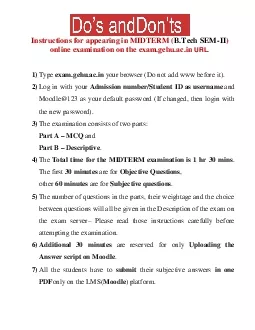
Instructions for appearing in MIDTERM
BTech SEMIIonline examination on the examgehuacin URL1Typeexamgehuacinyour browser Do not add www before it2Log in with yourAdmission numberStudent ID as usernameand Moodle123 as your defaultpasswor
Embed this Presentation
Available Downloads
Download Notice
Download Presentation The PPT/PDF document "Instructions for appearing in MIDTERM" is the property of its rightful owner. Permission is granted to download and print the materials on this website for personal, non-commercial use only, and to display it on your personal computer provided you do not modify the materials and that you retain all copyright notices contained in the materials. By downloading content from our website, you accept the terms of this agreement.